From my experience in modern dentistry, I have seen how organization and workflow efficiency directly affect both patient care and daily clinical operations. Dental practices and laboratories handle a large number of instruments, trays, storage systems, case records, and equipment every day. Even small identification mistakes can slow procedures, disrupt sterilization workflows, or create confusion during busy schedules. Because of this, many dental professionals are now exploring durable identification systems such as metal engraving to improve organization, traceability, and operational consistency inside clinics and dental labs.
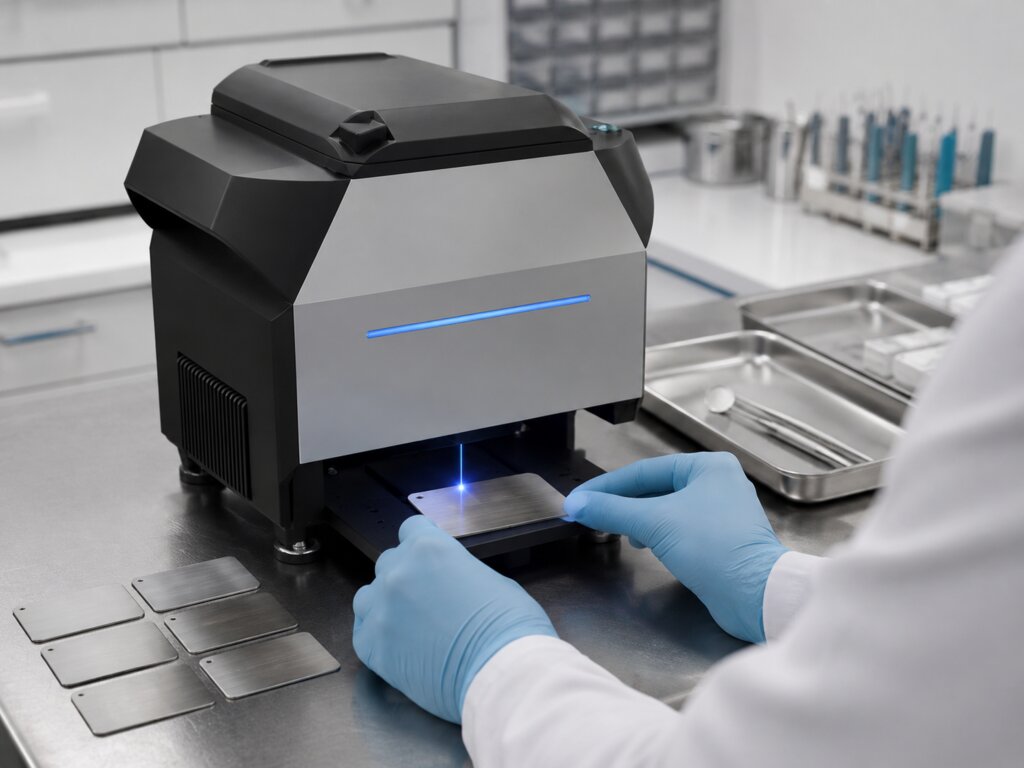
Dental practices and small dental labs deal with many small items every day: instrument trays, tool labels, case tags, drawer markers, storage plates, equipment IDs, and QR code labels. When these items are not clearly marked, teams can lose time checking ownership, matching cases, organizing tools, or tracking maintenance records.
That is where metal engraving can become useful. In a dental setting, engraving is not only about decoration. It can support organization, traceability, lab communication, staff training, and smoother daily workflows.
A small engraving setup works best when it solves real dental problems. The goal is not to engrave every item in the office. The goal is to create clear, durable, repeatable marks that help the team work with fewer mix-ups.
Why Metal Engraving Matters in Dental Workflows
Dental offices and labs rely on accuracy. A mislabeled tray, unclear case marker, or missing equipment ID can slow down sterilization, lab work, inventory management, or operatory setup.
Paper labels can peel. Ink can fade. Stickers may not hold up well around repeated handling, cleaning, or storage. Metal tags, small plates, QR code labels, and engraved tool markers can offer a more durable option for non-patient-contact identification.
For a dental lab, engraved tags may help organize cases, model storage, workstations, or tool areas. For a dental practice, they may help identify procedure trays, maintenance items, supply shelves, or training stations. The value is simple: better visibility, fewer mistakes, and a cleaner system.
Start with a Dental Use Case Before Buying Materials
A common mistake is buying random metal blanks before deciding what the engraving will support. Dental teams should begin with one specific workflow issue.
A clinic may need tray labels for hygiene, implant, orthodontic, or restorative setups. A dental lab may need case ID plates, drawer markers, or tool station tags. A mobile dental service may need asset labels or QR code plates for portable equipment.
Start small. Choose one or two repeatable items first. Test the size, material, mark location, readability, and cleaning routine. Once the team knows what works, it becomes easier to build a simple batch process.
Engraving should make the workflow clearer. It should not add more clutter.
Dental Metal Engraving Requires Repeatable Settings
Before creating larger batches, teams should understand the basics of laser engraving metal, including surface preparation, material type, focus, speed, power, and how different metals react to marking.
Not all metals behave the same way. Stainless steel, aluminum, brass, coated metals, and titanium can create different contrast and surface results. A polished tag may react differently from a brushed plate. Oil, fingerprints, disinfectant residue, scratches, or coatings can also affect the final mark.
Repeatability matters more than one perfect sample. A tag that looks good once must still look clear after 30 or 100 pieces. Teams should record settings by material, supplier, thickness, finish, cleaning method, and fixture position.
Good notes save time. When another staff member repeats the same job later, the process should not depend on guessing.
Choosing Equipment for Dental Marking Work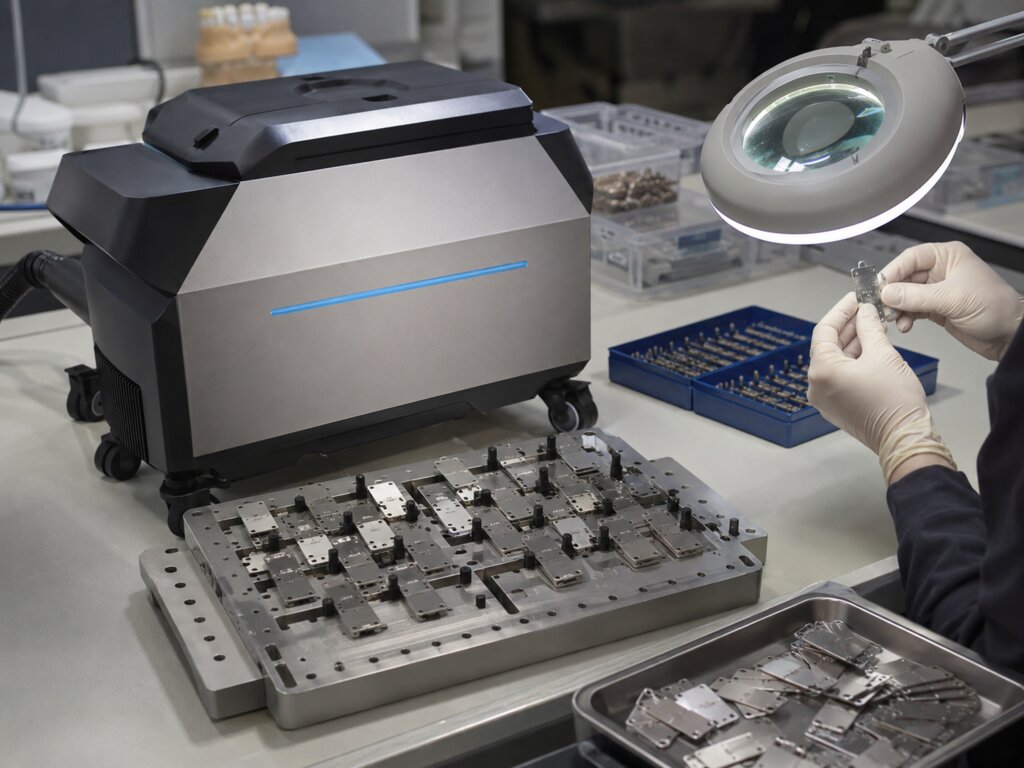
A laser etching machine for dental-related metal marking should be chosen for repeatability, material compatibility, software control, safety setup, and batch workflow, not only for the lowest entry price.
Dental users should check whether the machine supports the metals they plan to mark. They should also consider whether the work area fits small tags, tray labels, case plates, and QR code markers. Software support matters too, especially for names, numbers, logos, QR codes, and variable data.
Fixtures are also important. If the same plate must be marked many times, stable placement saves more time than a slightly faster engraving setting.
The right equipment should match the workflow. A dental lab focused on case tracking needs accurate numbering and readable codes. A practice focused on tray organization needs simple templates and repeatable placement. A supply room may need durable asset labels that stay legible over time.
Quick Table: Dental Engraving Uses by Workflow Value
|
Dental Use Case
|
Best Engraved Item
|
Workflow Value
|
Main Caution
|
|
Instrument organization
|
Metal tray labels
|
Faster setup identification
|
Avoid patient-contact misuse
|
|
Lab case tracking
|
Case ID plates
|
Better internal traceability
|
Keep codes readable
|
|
Storage management
|
Drawer or shelf tags
|
Easier inventory control
|
Standardize label format
|
|
Equipment tracking
|
Asset tags
|
Maintenance and ownership records
|
Test durability
|
|
Orthodontic workflow
|
Small metal markers
|
Clear sorting and labeling
|
Avoid tiny text
|
|
Dental training area
|
Tool station labels
|
Easier staff onboarding
|
Keep wording simple
|
|
Mobile dental service
|
QR code plates
|
Portable asset management
|
Secure small parts
|
This table is a planning tool. Every dental office or lab has its own sterilization flow, storage system, case process, and compliance expectations. Engraving should support those systems, not replace proper clinical procedures.
Recommended Xlaserlab Product Direction: Q1 for Metal Marking and Surface Work
For this article, the most suitable Xlaserlab product direction is the Q1 Laser Cleaning Machine, especially for dental-related teams that need controlled metal marking on small tags, plates, labels, storage markers, and custom workflow items. Q1 is positioned as a 2-in-1 MOPA pulsed fiber laser cleaner and engraver, which makes it more relevant than X1 Pro for metal marking content.
A scalable dental marking workflow needs more than one good sample. It needs repeatable settings, clean surfaces, controlled marking, and a process that can handle small batches without excessive rework. Q1’s MOPA pulsed fiber laser structure supports adjustable power, frequency, pulse width, and scan patterns, which can help users test different metal surfaces and build reliable settings.
Its cleaning capability may also help prepare used, oxidized, or lightly contaminated metal surfaces before marking. Still, users need safety protection, ventilation, test plates, fixture planning, and a clear rule for where engraved items will be used.
For welding or cutting tasks, X1 Pro would be more suitable. For dental-related metal engraving and marking, Q1 is the better match.
Build a Batch Workflow Before Scaling
A dental engraving workflow should not depend on memory. Every custom mark should move through a clear process: request, design proof, material prep, engraving, inspection, cleaning, storage, and final use.
Create templates for common items. Save settings by material and supplier. Use fixtures for repeated placement. Batch similar labels together when possible. Keep approval notes written and clear. Inspect every item before it enters the practice or lab workflow.
Scaling does not mean producing more items as fast as possible. It means producing the right items consistently, with fewer errors and less confusion.
Pricing, Quality Control, and Practical Use
If engraving is offered as a service for dental labs, suppliers, or nearby practices, pricing should include more than machine time. Add design work, setup, fixture time, failed test pieces, packaging, communication, and revision requests.
Quality control is just as important. Check spelling, numbers, QR code readability, mark placement, and surface finish before delivery. If a mark supports identification or workflow tracking, readability matters more than decoration.
A simple process works best: confirm the content, test the material, engrave a sample, inspect the result, save the settings, and then produce the batch.
Conclusion: Dental Precision Depends on Systems, Not Just Machines
A scalable dental metal engraving workflow depends on clear use cases, safe materials, repeatable settings, clean design files, fixtures, inspection, and realistic planning. Whether the goal is tray organization, lab case tracking, asset labeling, or storage control, the value comes from making information easier to manage.
Metal engraving can support dental teams when it improves clarity, consistency, and workflow. The machine matters, but the system around it decides whether the process is truly useful.